Since 2024, Google and Yahoo have been much stricter about who lands in the inbox. Before you work on subject lines or design, make sure your emails arrive at all.
What decides where you land
- Technical setup. SPF, DKIM and DMARC on your sending domain.
- List hygiene. Who you send to matters more than what you send.
- Sending behaviour. Steady volume, no sudden spikes.
- Content. Clean code, sensible images, no spammy wording.
- Engagement. Opens, clicks and complaints. This one decides in the end.
The numbers to watch
| Metric | Aim for | If it's off |
|---|---|---|
| Open rate | 40% or more | Send to engaged segments only, then widen slowly |
| Click rate | 1% or more | One clear main button, fewer links, test plain text |
| Bounce rate | Under 2% | Double opt-in, remove hard bounces, never buy lists |
| Spam rate | Under 0.1% | Send less, segment better, offer a pause option |
| Unsubscribe rate | Under 0.5% | Match content to what people signed up for |
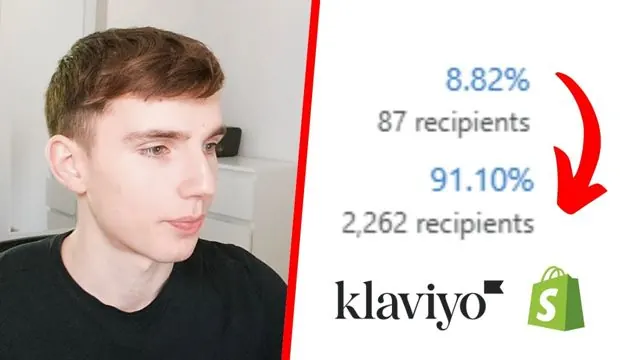
The recovery path we useBuild a 30-day engaged segment and send only to them. Watch it for two weeks. Once opens hold steady, expand to 60 days, then 90.
Rules for every send
- Keep the whole email under about 100 KB. Gmail clips anything over 102 KB.
- Compress images, each one under 150 KB.
- No more than eight links, with one main call to action.
- Alt text on every image.
- Subject lines under 50 characters, no ALL CAPS and no fake urgency.
- Mix in plain text emails. They often do better for personal sends.
- Run a sunset flow so unengaged profiles get one last chance before you suppress them.
Watch Leon walk through it
Free on YouTube, in German.